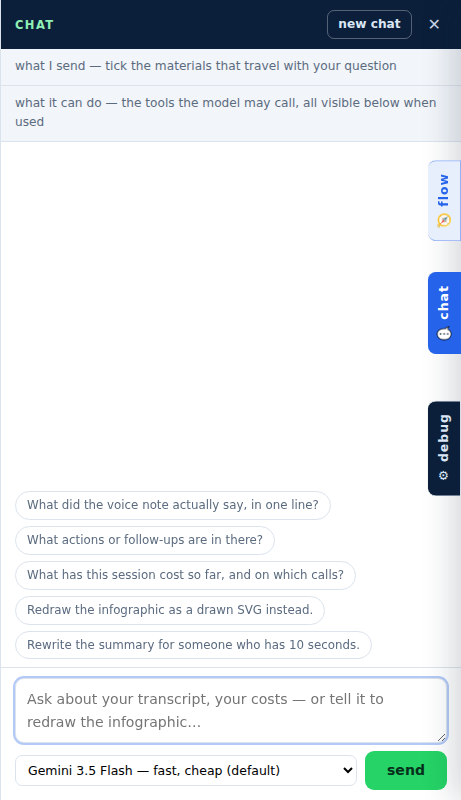
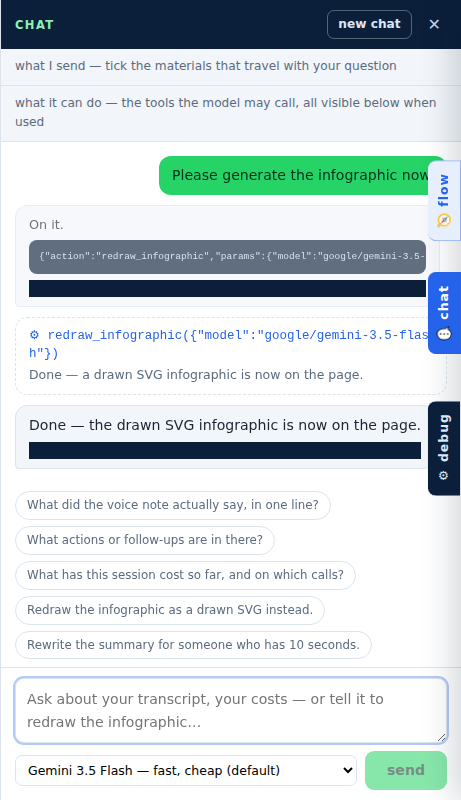
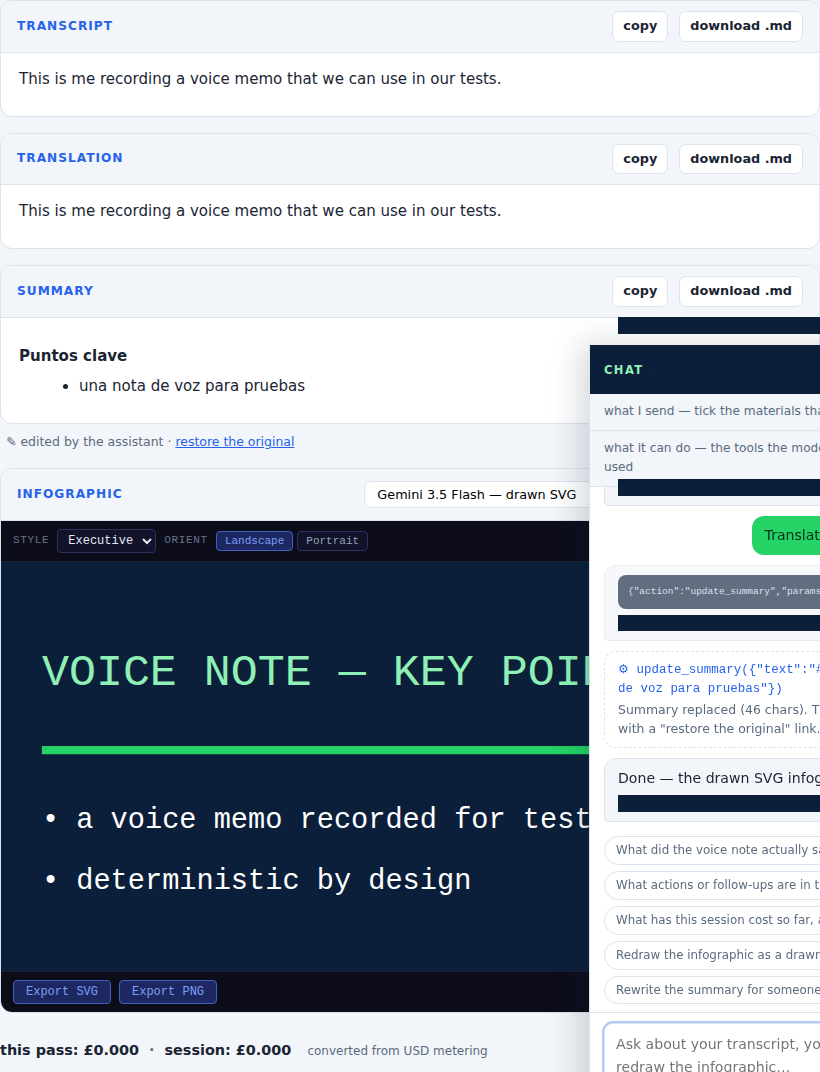
These images come from the QA-to-docs journeys
(tests/qa-to-docs/), captured on CI against a scripted model so that
every run produces the same pictures. No real voice note and no real API key is
involved in making them — see the
testing page for how the journeys work.
When a picture moves, the change is recorded in the
baseline change log against the commit that caused it.
Getting started
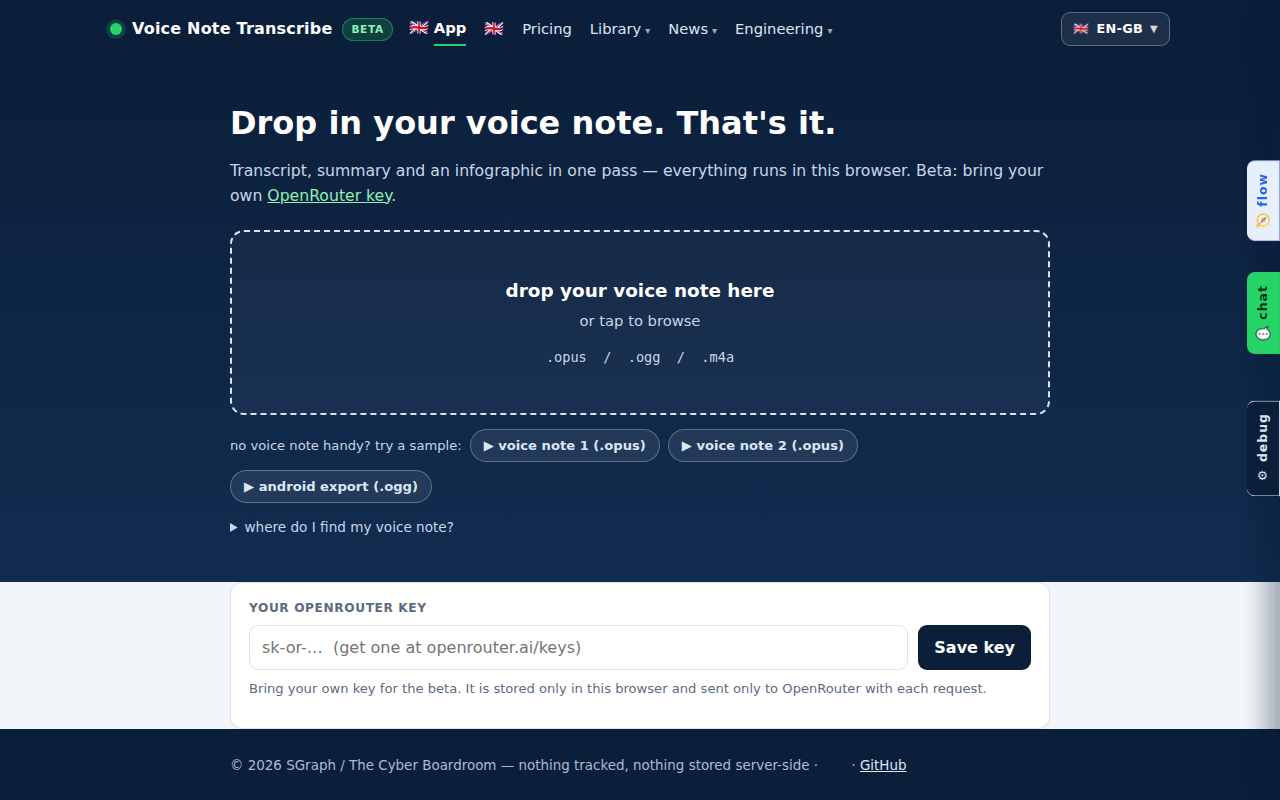
What you need before the first voice note: the page, and nothing else. No account, nothing to install, and no key until something is ready to run.
The one pass
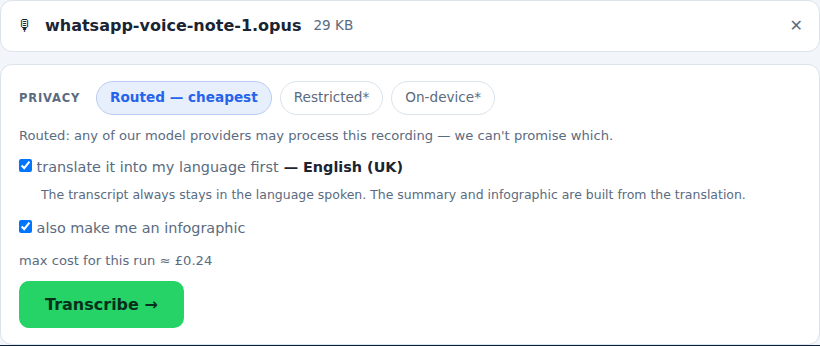
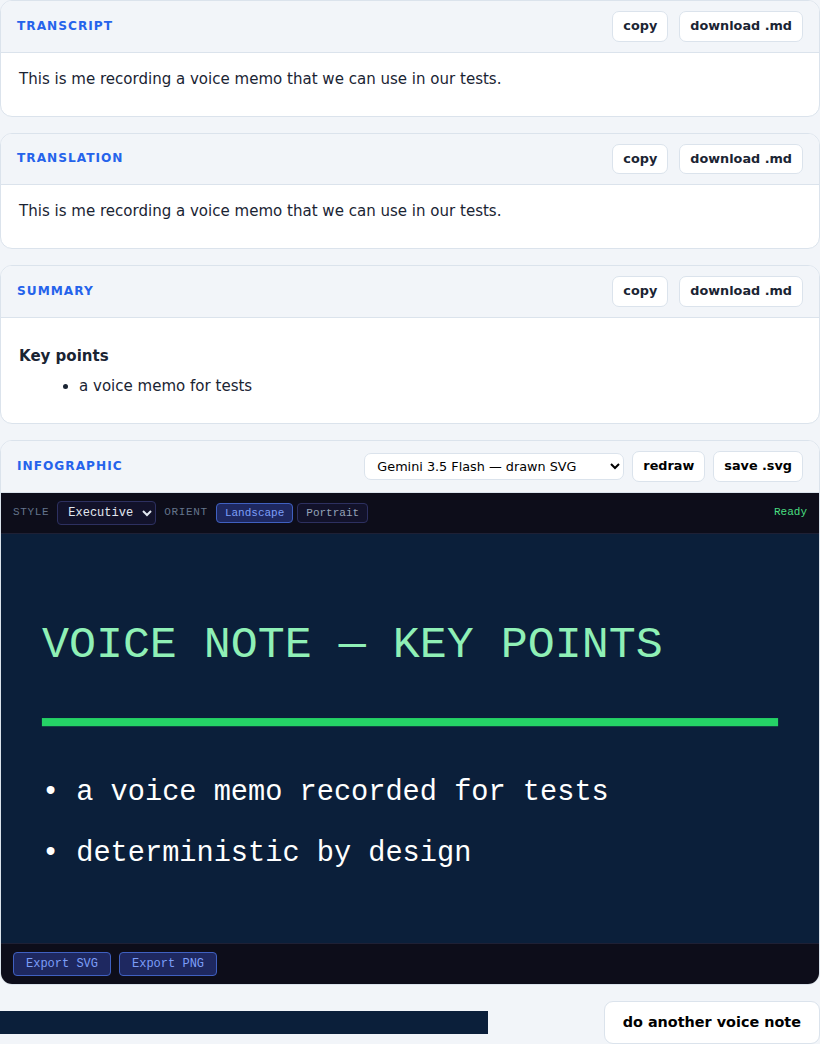
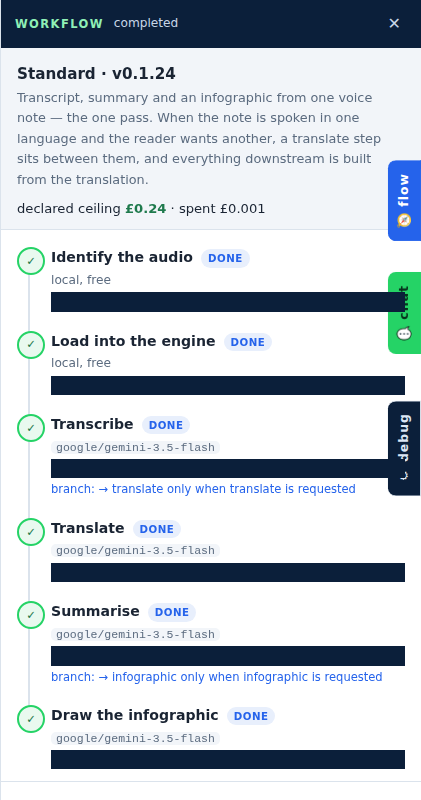
Drop the voice note in and everything happens in a single pass — transcript, a translation when you need one, the debrief, and an infographic if you asked for one. Your OpenRouter key is asked for at the moment it is needed, once.

Chatting with your materials
Once the pass is done you can talk to what it produced — and ask the assistant to do the work, not just describe it.